agentdesktop
Toggle navigation

agentdesktop

Manage AI developer tools across your fleet.

Discover Claude Code, Claude Desktop, Codex, OpenCode, and VS Code across employee devices. Inventory versions, MCP servers, and skills, reconcile managed settings, and connect each device to your inference gateway.

Developer tools across the fleet
Device ENG-042

Claude Code · installed

Device FIN-018

OpenCode · installed

Device ENG-107

Codex · installed

Device daemon

agentdesktopDiscovers and reconciles
  • Developer toolsversions
  • MCP serverssecret-free
  • Skillsfront matter

Fleet management

controllerEnroll · configure · observe
DevicesConfigEvents
config revision 12 → ENG-042
Each daemon reconciles local tool configuration. Managed devices receive desired configuration and short-lived gateway credentials from the controller.

MDM manages devices. AI tools need their own control plane.

Each developer tool has its own configuration, extensions, MCP connections, and gateway settings. Platform teams need one view of what is installed and one way to manage it.

  • See installed tools and versions on each device.

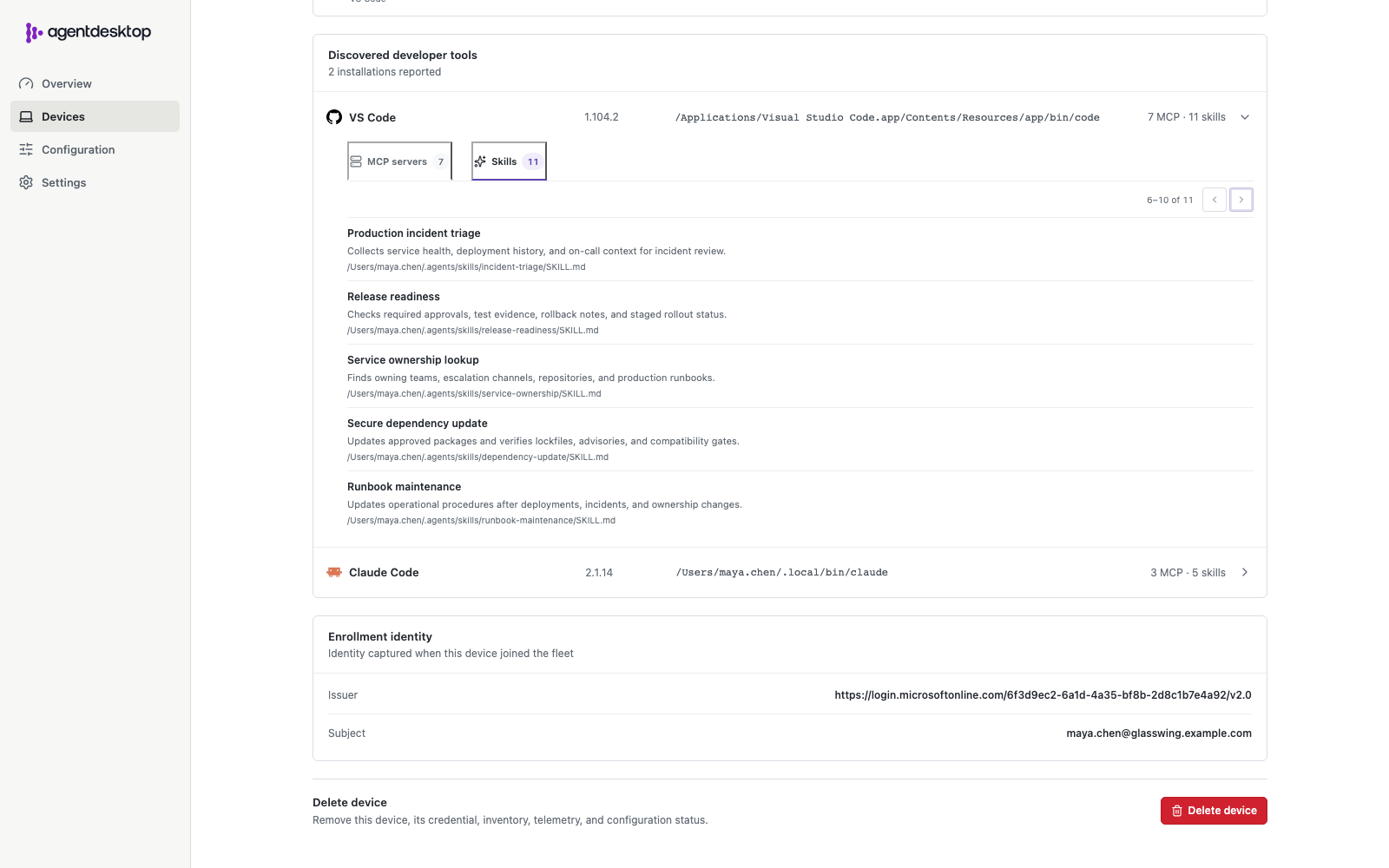
  • Inventory MCP servers and skill metadata without collecting their secrets or bodies.

  • Distribute managed settings and a shared inference gateway.

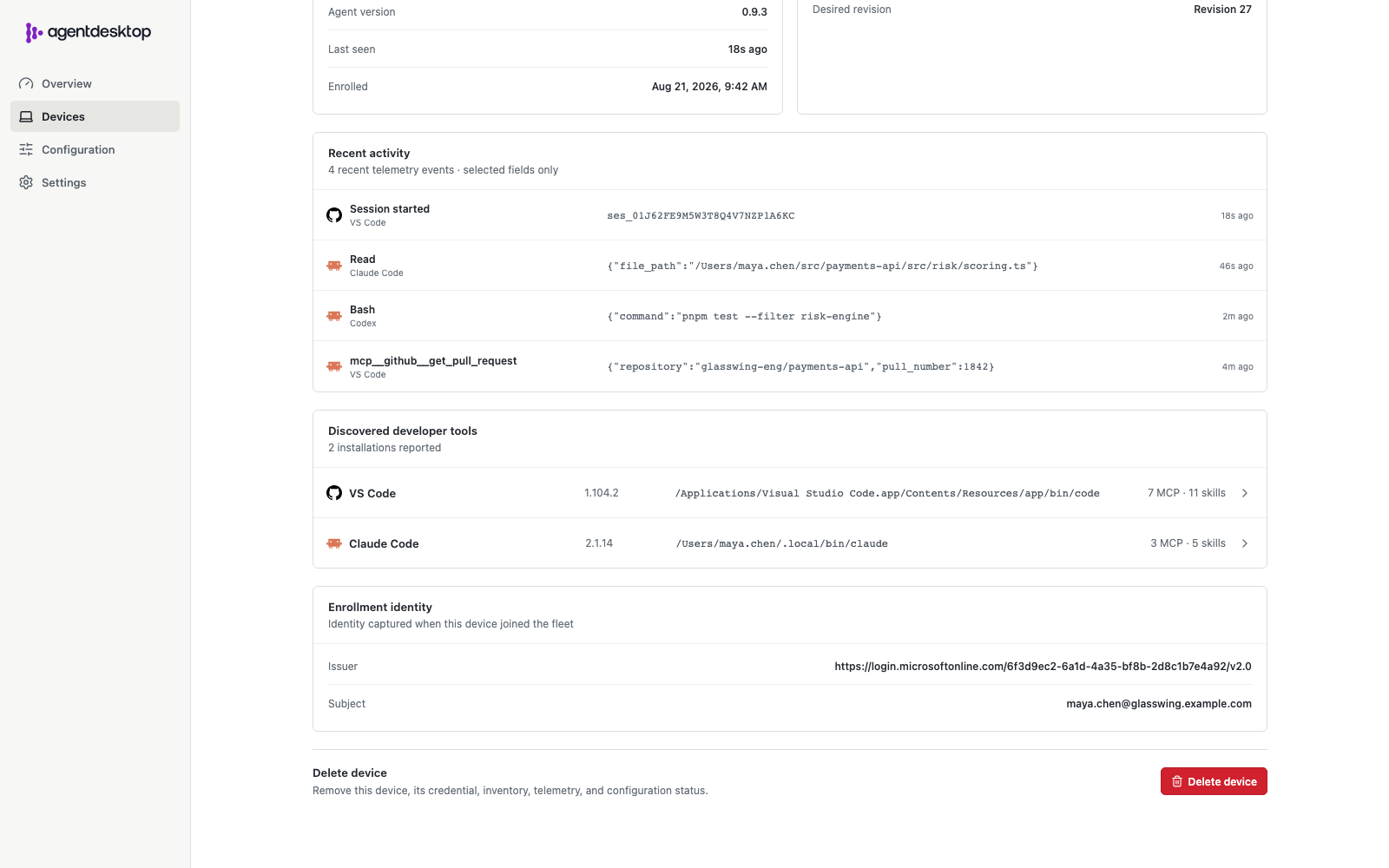
  • Associate devices with users and collect only the events you select.

How agentdesktop works

The device daemon discovers installed tools and reconciles their configuration. In managed deployments, the controller distributes desired state, enrolls devices, and records opt-in telemetry.

Discover

Find supported developer tools, versions, MCP servers, and skills on Linux, macOS, and Windows.

Configure

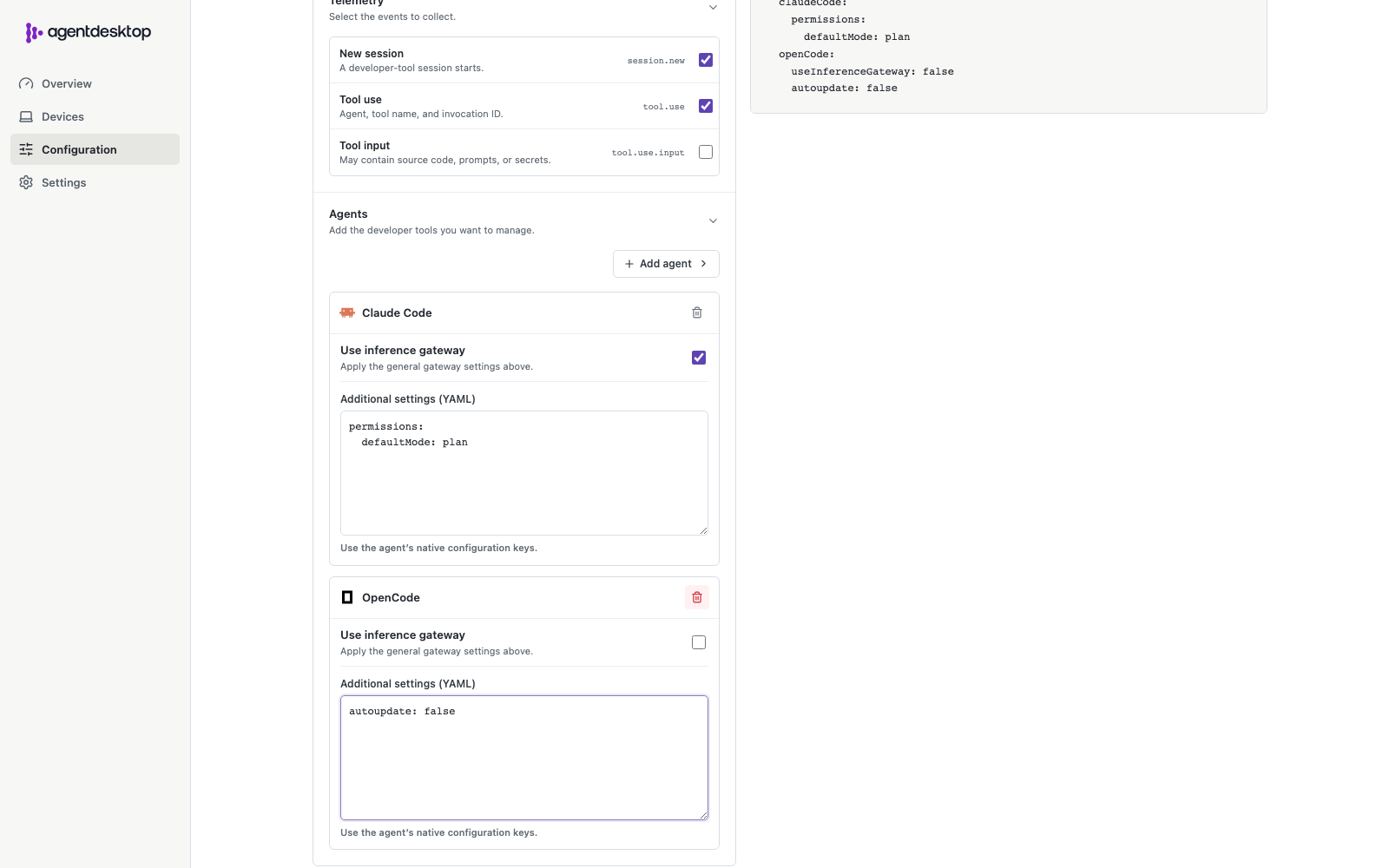
Preview changes, then reconcile each supported tool's managed settings and inference gateway URL.

Connect

Use direct OIDC or controller-issued JWTs for gateway access, and report selected events when enabled.

Use a local file or manage a fleet

Run from YAML on one device, or enroll devices with a controller that distributes configuration and records fleet state.

Standalone

Run the daemon from local YAML without a controller or device identity. OIDC can authenticate directly to your gateway.

  • Local YAML configuration
  • Direct OIDC gateway auth
  • Dry-run before writing
Set up standalone mode

Controller-managed

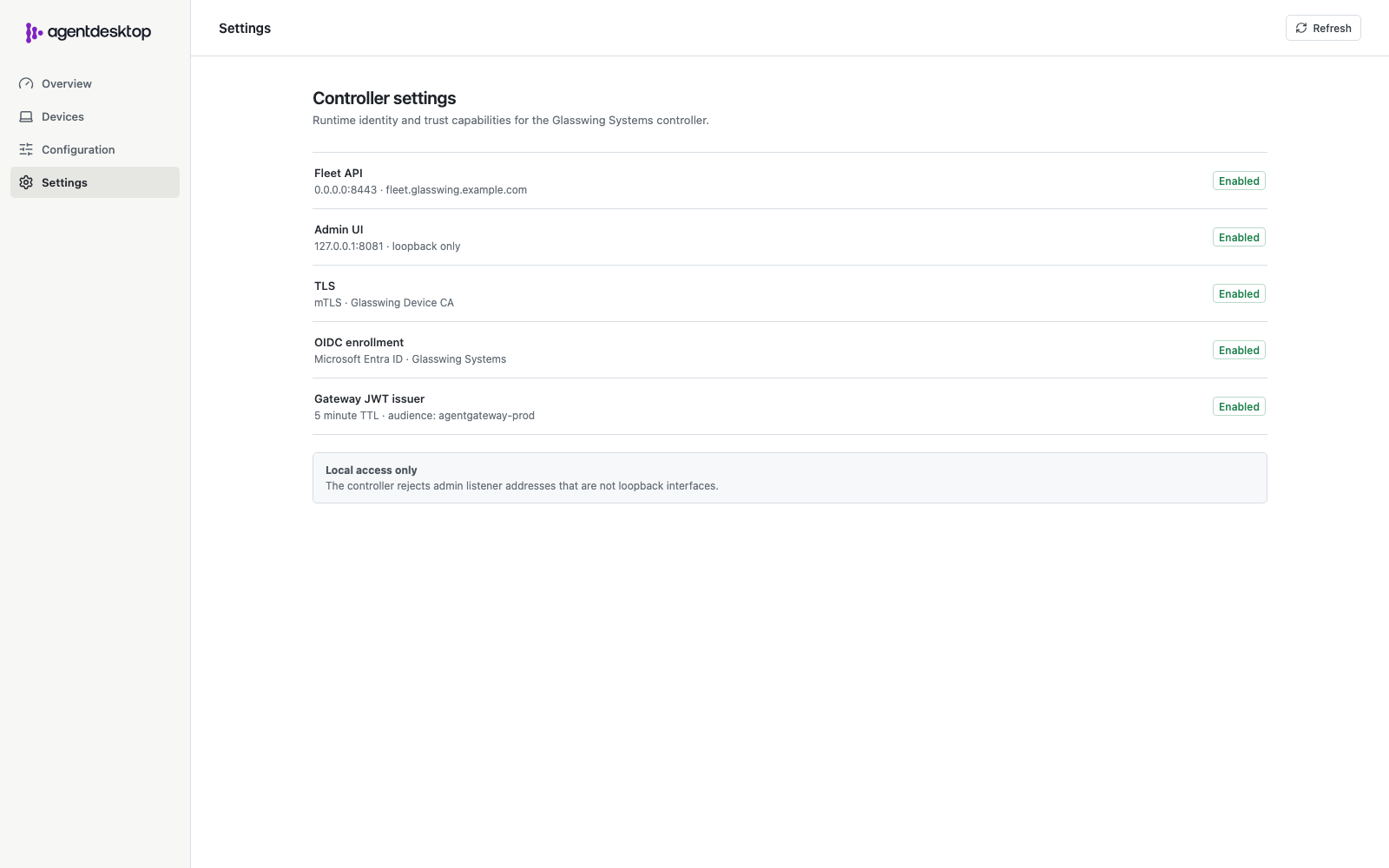
Enroll devices, distribute desired configuration, issue short-lived gateway JWTs, and inspect fleet state in the management UI.

  • User + device enrollment
  • Versioned configuration
  • Opt-in session + tool events
Set up managed mode

Source code and roadmap

agentdesktop is developed on GitHub.

Browse the source, open an issue, or contribute.
View on GitHub